Your salon's website is working around the clock to either fill your appointment book or lose clients to competitors who are easier to book. The beauty industry moves fast — clients who can't immediately see your work, read reviews, and book an appointment online will find a salon that lets them. This guide covers exactly how to make a salon website that showcases your talent, builds client trust, and drives consistent bookings.
Why Most Salon Websites Miss Bookings
Common mistakes that cost salons real revenue:
- No online booking. Clients searching for salons at 10pm can't call you. If you don't have 24/7 online booking, you're losing appointments to salons that do.
- Portfolio buried or missing. Before-and-after photos and stylist portfolios are your primary conversion tool. If they're hard to find or absent, clients have no evidence of your work.
- Vague pricing. Clients hate the uncertainty of 'pricing varies' with no ballpark. At minimum, list price ranges. Hiding pricing drives away decision-ready clients who are ready to book.
- Slow mobile experience. Beauty searches are overwhelmingly mobile. Large, unoptimized portfolio images are the most common cause of slow-loading salon sites.
- No stylist profiles. Clients often book specific stylists, not just salons. If your stylists don't have individual profiles with their specialty and portfolio, you're missing a significant loyalty driver.
Step 1: Choose a Platform for Your Salon Website
Salon websites need to look beautiful and book appointments. Your platform must support both:
- ZonedWeb (recommended): Deploys a professional salon or spa website from a curated template catalog via ZonedWeb's beauty website builder. Built on WordPress, so you can embed any booking plugin (Bookly, StyleSeat, Fresha widget) and display your portfolio without restrictions. Zoni AI writes your service descriptions and about page content based on your business details.
- WordPress + Bookly or ShowTime Booking: Full control. Bookly ($89/year) handles multi-staff scheduling, service duration, and prepayment. Best for salons with 3+ stylists who need staff-level booking.
- Squarespace + Acuity: Clean, visually strong templates suited to beauty businesses. Acuity Scheduling handles appointments well. $23–65/month for Squarespace + $16–50/month for Acuity. Gets expensive.
- GlossGenius: Salon-specific platform with booking, client management, and payments. $24–48/month. Limited website customization — it's more of a booking tool with a basic web presence.
The key is not getting locked into a platform that owns your client data. Salon-specific SaaS tools (Vagaro, Mindbody, GlossGenius) keep your booking data in their system. WordPress gives you full data ownership and portability.
Step 2: Build Your Salon's Core Website Pages
A high-converting salon website needs these pages:
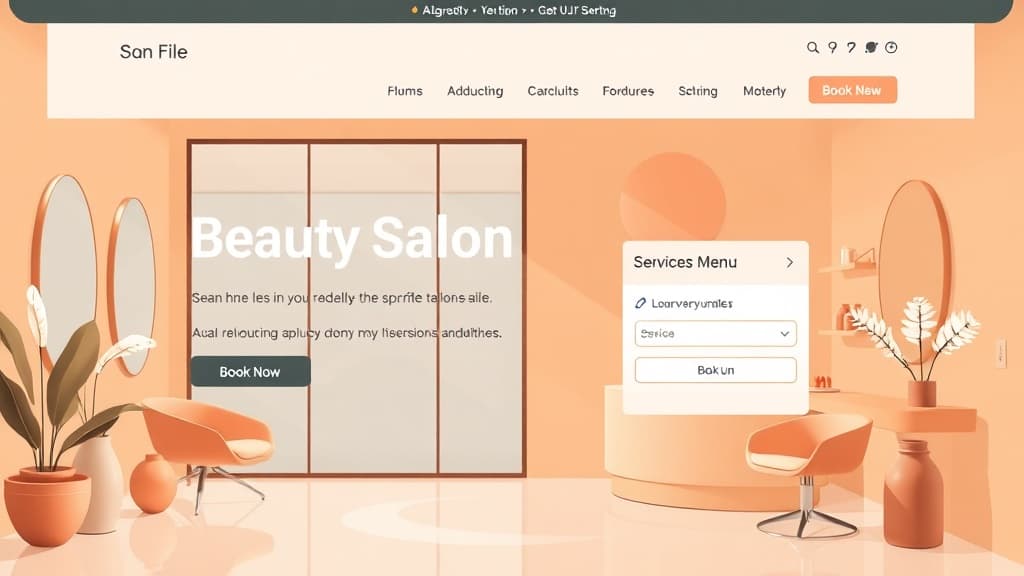
Home Page: Hero image of your best work — a stunning before-and-after, an editorial shot, or your salon interior. Your location, salon name, and primary CTA ('Book Now') visible immediately. Below: service highlights, Google review excerpts, and stylist teasers. Second CTA at the bottom.
Services and Pricing: Every service you offer, organized by category (Hair Color, Cuts, Treatments, Extensions, Nails, etc.). Include duration and price range for each. Call out signature or specialty services. Seasonal promotions belong here. This page is critical for SEO — it's what Google indexes when someone searches 'balayage salon [city].'
Gallery / Portfolio: Your strongest work, organized by service type (Color Transformations, Bridal Looks, Men's Cuts, etc.). Before-and-after pairs are especially powerful. Caption photos with the technique used. Update this page monthly — fresh portfolio content signals to both Google and clients that you're active and skilled.
Our Team / Stylists: Individual profile for each stylist: real photo (not stock), specialties, experience, certifications (Redken-certified, Wella Master Colorist, etc.), Instagram handle, and a direct 'Book with [Name]' link. Clients who feel connected to a specific stylist are far more loyal than clients who 'just book whoever's available.'
Online Booking: A dedicated page embedding your booking system. Minimal friction — clients should be able to select service, stylist, date, and time in under 2 minutes. Consider requiring a credit card to hold the appointment to reduce no-shows.
About: Salon history, philosophy, team culture, any awards or press features, and the brands you use (Olaplex, Redken, L'Oreal, etc.). Clients care about the products used on their hair — feature your brands.
Contact / Location: Address with Google Maps embed, phone, email, parking notes, and hours. Include social media links prominently — clients will check your Instagram before booking.
Step 3: Showcase Your Portfolio Strategically
Your portfolio is the core of salon marketing. To make it convert:
- Shoot in good natural light. Hair color, in particular, looks dramatically different under warm indoor lighting vs. natural light. If you can, shoot portfolio work near a window. A ring light is the minimum viable studio setup.
- Consistency matters more than perfection. A consistent visual style (same background, similar lighting) looks more professional than technically superior shots that look mismatched.
- Use vertical images for mobile. Since most clients browse on phones, 4:5 aspect ratio portrait shots showcase hair far better than landscape photos.
- Compress before uploading. Portfolio images are typically 2–8MB from phone cameras. Compress to under 500KB using Squoosh.app. A 10-photo gallery of uncompressed images will load in 15+ seconds on mobile — destroying your Google ranking.
- Add keyword captions. Caption each gallery image with the technique and location ('Balayage color melt — downtown Chicago'). These captions are indexed by Google and help you rank for technique-specific searches.
Step 4: Win Local Beauty SEO
The searches you want to win: 'hair salon near me,' 'balayage [city],' 'best lash extensions [neighborhood].' How:
- Google Business Profile: Post weekly with fresh portfolio photos. Respond to every review. Salons with active, photo-rich GBPs dominate local pack results.
- Service-specific pages: Create individual pages or detailed sections for high-value services: 'Balayage and Highlights in [City],' 'Bridal Hair and Makeup [City].' These rank for specific technique searches that signal high purchase intent.
- Client reviews: After every appointment, send a follow-up text with a direct Google review link. 50+ reviews with 4.5+ average is the threshold that dramatically improves local search ranking.
- Consistent NAP: Your salon name, address, and phone number must be identical on Google Business, Yelp, StyleSeat, Facebook, and your website. Inconsistencies split your local authority.
Browse our beauty and salon website templates — designed specifically for hair salons, spas, nail studios, and lash bars. Portfolio-forward layouts with built-in booking integration.
Ready to build your salon website? ZonedWeb's beauty website builder deploys a professional, mobile-optimized WordPress site from salon templates in minutes. Zoni AI writes your initial service descriptions and about page content. Start building free today.
Frequently Asked Questions
What booking software should a salon use?
For solo stylists or small salons (1–3 stylists): Fresha is free (takes a small commission on new clients) and has a clean booking UI. For salons with 4+ stylists needing staff scheduling, prepayment, and automated reminders: Bookly ($89/year WordPress plugin) or Vagaro ($25–85/month). For full salon management with POS, inventory, and payroll: Meevo or Phorest — but these are $200–400/month and designed for multi-location salons.
How do I reduce no-shows for salon appointments?
Require a credit card to hold appointments, with a 24–48 hour cancellation policy. Automated SMS reminders sent 48 hours and 2 hours before the appointment reduce no-shows by 50–70%. Most booking platforms (Bookly, Fresha, Vagaro) have automated reminders built in. A clear cancellation fee policy communicated at booking time reduces no-shows more than any other single measure.
Should I put prices on my salon website?
Yes — at minimum as price ranges. 'Color starting from $85' is better than no price. Clients who don't know what to expect will often not call to ask — they'll book the salon that was transparent. Full pricing builds trust, prequalifies clients on budget, and reduces uncomfortable pricing conversations at checkout. The argument for hiding prices ('every client is different') loses far more clients than it protects in revenue.
How do I get more Google reviews for my salon?
The most effective system: a tablet at checkout with a direct Google review link, and a follow-up text 2–4 hours after the appointment (while the client is still enjoying their look) with a review link. Some salons offer a small loyalty point reward for leaving a review. Never offer discounts for reviews — it violates Google's policies. The key is making it frictionless: one tap, review form, done.
Do I need a separate website and a social media account?
Yes — you need both, serving different purposes. Instagram is your real-time portfolio and brand awareness channel. Your website is your credibility anchor, SEO asset, and booking hub. Clients discover you on Instagram, then visit your website to check reviews, pricing, and book. Social media algorithms change and platforms decline (MySpace, Vine). Your website is the one online asset you own and control. Never use social media as a substitute for a real website.
Zoned Web
The ZonedWeb team builds the AI website platform that designs, writes, and deploys professional, SEO-ready sites — so you can launch in minutes, not weeks.